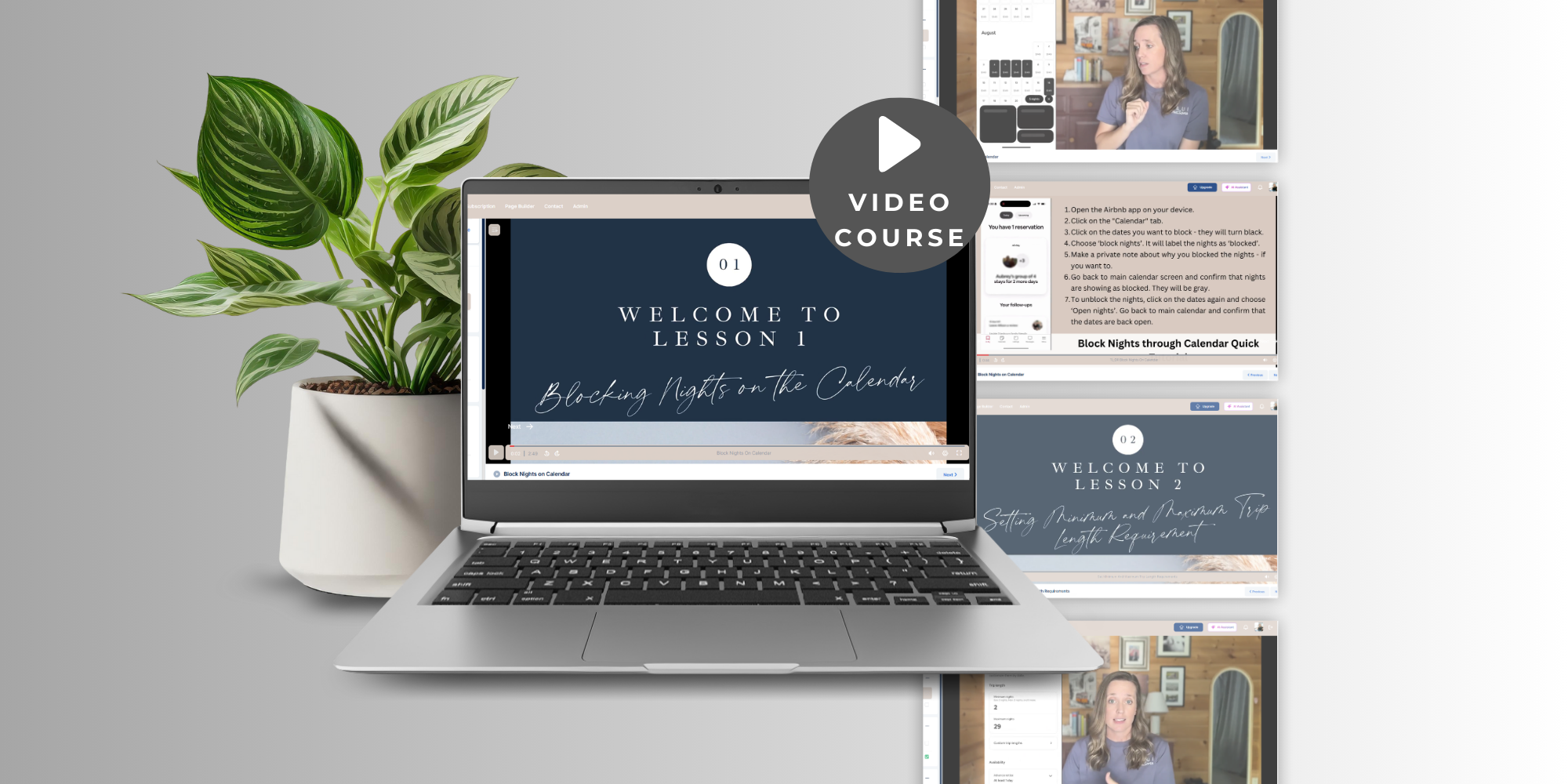
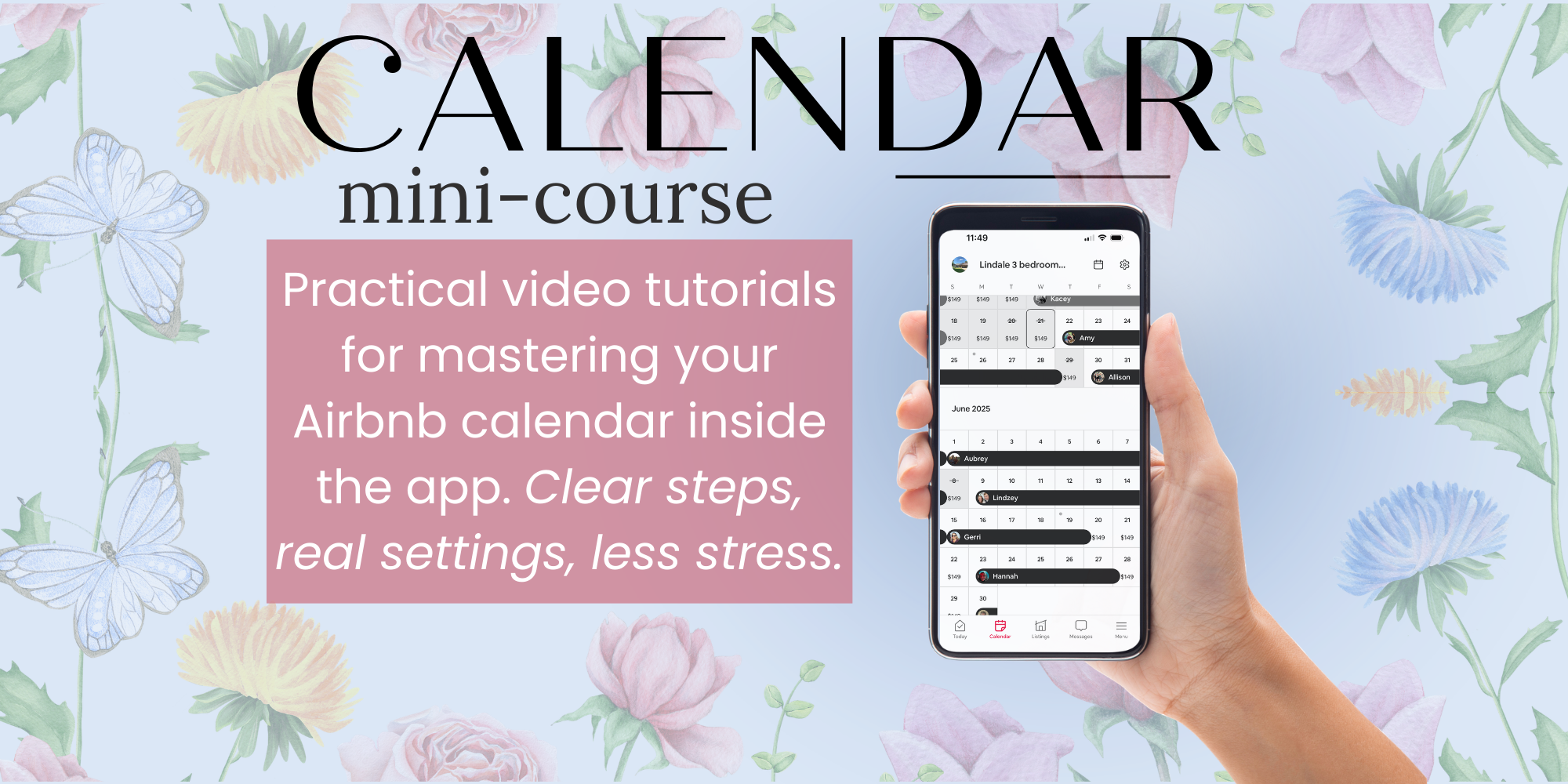
The video mini-course focuses on the essential Airbnb calendar management features: blocking nights, trip length requirements, and the advanced availability settings that most hosts overlook. Students will learn how to confidently control booking rules and automate their listing’s calendar to match their hosting goals.
This Course in a Nutshell
Learn the secrets to controlling your Airbnb calendar - for maximum revenue and zero hassle! In just a few video lessons, you’ll master blocking nights, trip length rules, prep time, notice periods, and more. No stress, no guesswork - just practical skills for busy hosts like you.
Course Overview
This course dives deep into the Airbnb app’s calendar settings to help hosts take charge of their availability and reservation rules. You’ll get easy, step-by-step videos that show exactly how to block dates, set minimum and maximum trip lengths, and configure every critical availability option. Special emphasis is placed on the additional settings: prep time between guests, advance notice requirements, adjustable booking windows, and ways to restrict check-in/check-out dates for seasonal or operational needs.
Whether you’re a new Airbnb host or looking to streamline an existing property, these lessons help you avoid unexpected bookings, set smart hosting boundaries, and automate your rental calendar with confidence. All content is taught using actual app screens so you can follow along and
implement changes instantly.
Table Of Contents
This course covers the following topics:
- Blocking nights on the Airbnb app calendar
- Setting minimum and maximum trip length requirements
AdditionalAvailability Settings
- Prep time between guests
- Advanced notice for reservations
- Booking availability window
- Restricted check-in/check-out days
What Will You Learn In this Course?
After completing the course, you will:
- Easily block nights and adjust trip length rules to avoid unwanted bookings and maximize occupancy
- Set up smart prep time and advance notice options to streamline turnovers
- Control your listing’s booking window for seasonal or strategic goals
- Restrict check-in or check-out days to fit your calendar and cleaning staff’s availability
- Feel confident navigating all relevant calendar settings in the Airbnb app - avoiding guest confusion and hosting headaches
About the Author
I'm Darisse - the creator of this course. I am a superhost, educator and coach for people who are currently hosting, co-hosting, or aspiring to have an Airbnb one day. I love talking with others about hosting and enjoy teaching on topics that make the process easier, more enjoyable, and less stressful for other hosts.
Want to unlock every feature of the Airbnb app and become an expert host?
Upgrade to the full premium course, The Airbnb App Roadmap, and get step-by-step video tutorials for every single setting in the app—from messaging to pricing, automation, guest experience, and beyond. Start with “Master Your Airbnb Host Calendar,” then follow the App Roadmap to total hosting mastery!


Stay Success
Airbnb Host resources designed and created by a host. Courses, welcome signs, welcome books, financial resources, and more.
What You'll Get:
Access to video mini-course that focuses on the essential Airbnb calendar management features: blocking nights, trip length requirements, and the advanced availability settings that most hosts overlook.
Students will learn how to confidently control booking rules and automate their listing’s calendar to match their hosting goals.